Is your business bogged down by outdated and unreliable fiscal devices? Frustrated by server downtime, maintenance headaches, and high annual license fees? Upgrade to Server2Server—the future of fiscalization!
A software solution that communicates directly with tax authority's (ZIMRA) server for registering sales transactions in real-time or near real-time.
The business must be VAT-registered and formally registered with ZIMRA for fiscalization. This involves submitting necessary documents, including the business’s VAT registration certificate, company registration documents, and tax clearance certificates.
The business selects a compliant fiscal solution (like Server2Server) that meets ZIMRA’s FDMS requirements. Integration of the solution with the company’s POS (Point of Sale) or ERP system follows. In the case of Server2Server, it’s a virtual solution that minimizes hardware use and simplifies this stage.
The fiscalization solution is configured to align with ZIMRA’s fiscal data transmission standards. This includes linking the fiscal solution with ZIMRA’s FDMS system to ensure that all transactions are transmitted in real-time. For Server2Server, this is done through secure API integration.
The client begins by sending standardized invoices and credit notes for both USD and ZWL currencies. ZIMRA will then review all parameters to ensure compliance. A test device number will be issued, allowing the client to test the system (Server2Server). Once the tests are successful, ZIMRA will approve the system for live use.
Once the system is live, businesses must continue using the fiscal solution to ensure all VAT-related transactions are automatically recorded and reported to ZIMRA. Regular maintenance and updates are required, but with Server2Server, this is streamlined since there’s minimal hardware involvement, reducing downtime and costs.
| Feature | Traditional (with Physical Devices) | Server-to-Server (S2S) |
|---|---|---|
| Hardware | Dedicated devices | No dedicated hardware |
| Integration | Connects to POS | Direct ERP integration |
| Maintenance | Ongoing maintenance | Reduced maintenance |
| Reliability | Prone to failures | Higher reliability |
| Scalability | Requires more hardware | Easily scalable |
| Cost | Higher costs | Lower costs |
| Security | Device/POS security | Enhanced security |
| Internet | Not always required | Requires internet |
| Data Management | Complex consolidation | Centralized management |
| Reporting | Complex reporting | Simplified reporting |
How it actually works
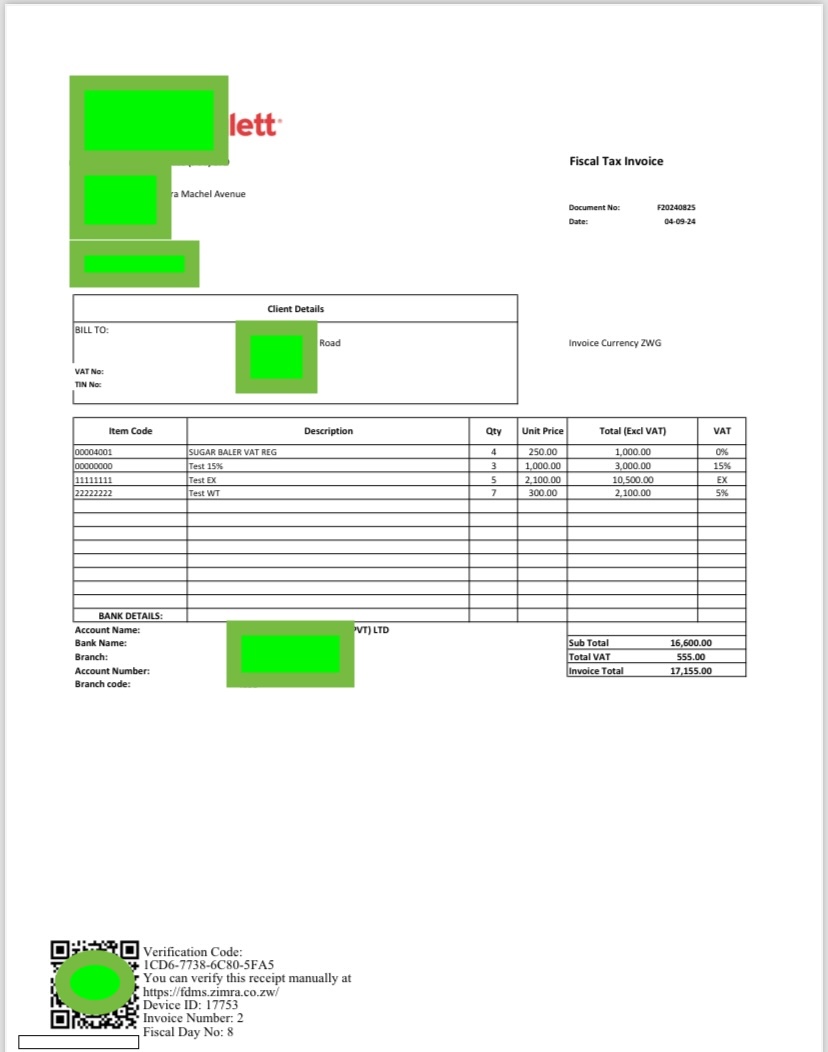
After printing check for validity through scanning the QR Code!
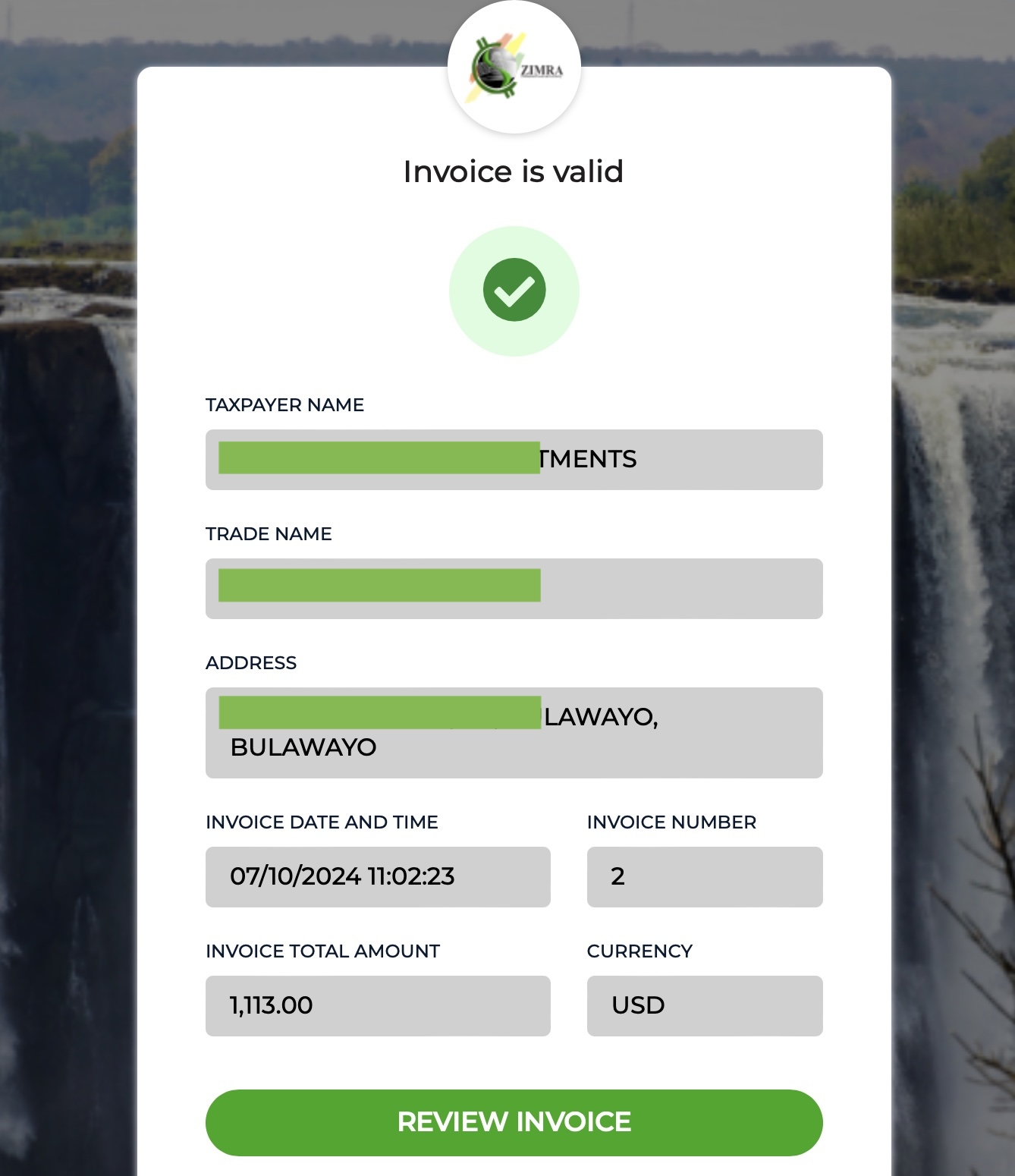
Wow 🤩 Wow your fiscal invoice is valid click review invoixe button!
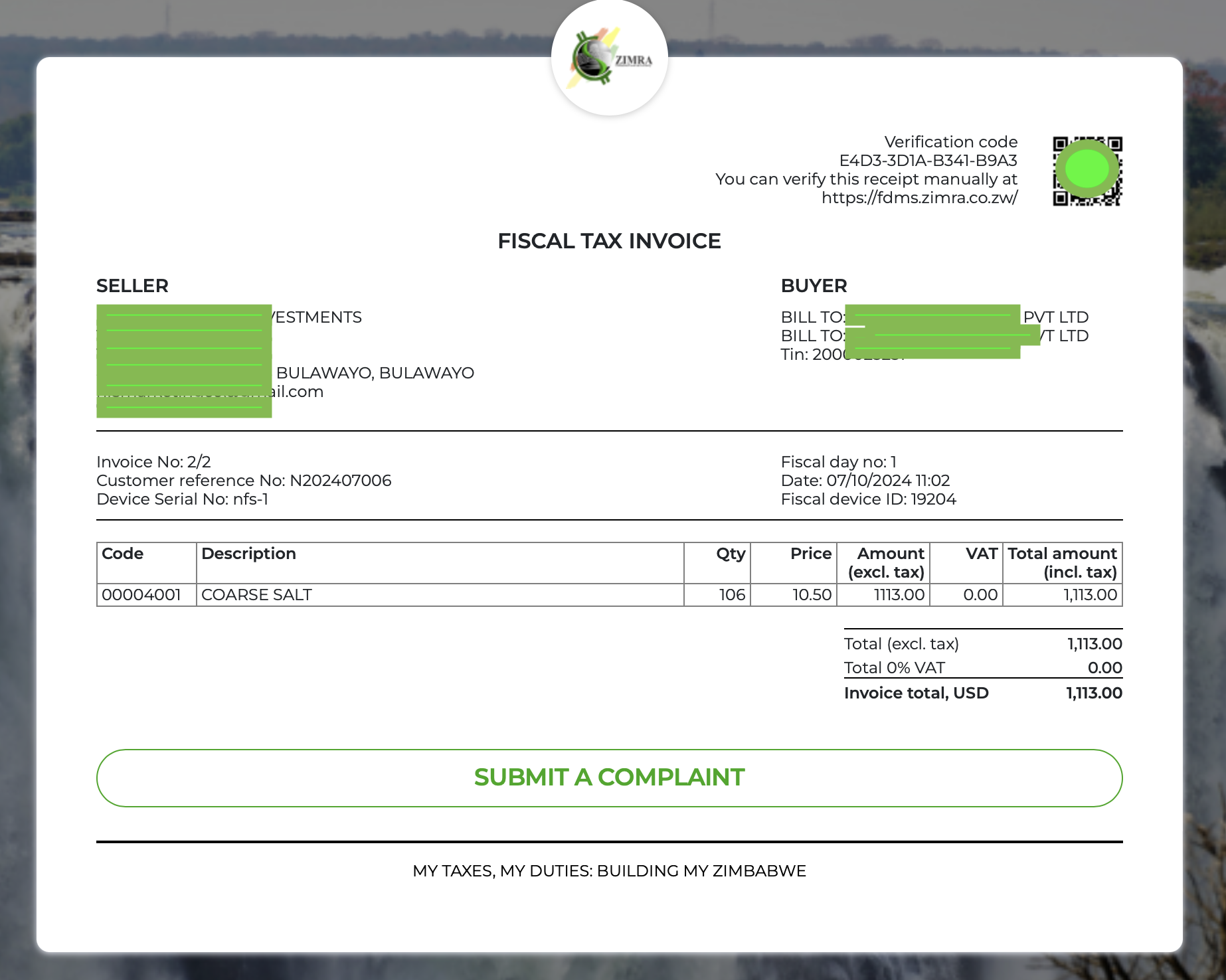
Now you can review the contents of the invoice.
The process is simple and easy why waiting jump on to Server2Server your one stop virtual fiscalisation on the go!